
Unlocking the Power of Microsoft Sentinel Data Lake Signals: A New Era in Scalable Threat Detection


Unlocking the Power of Microsoft Sentinel Data Lake Signals

A new era in scalable threat detection

🔍 What Are Data Lake Signals?

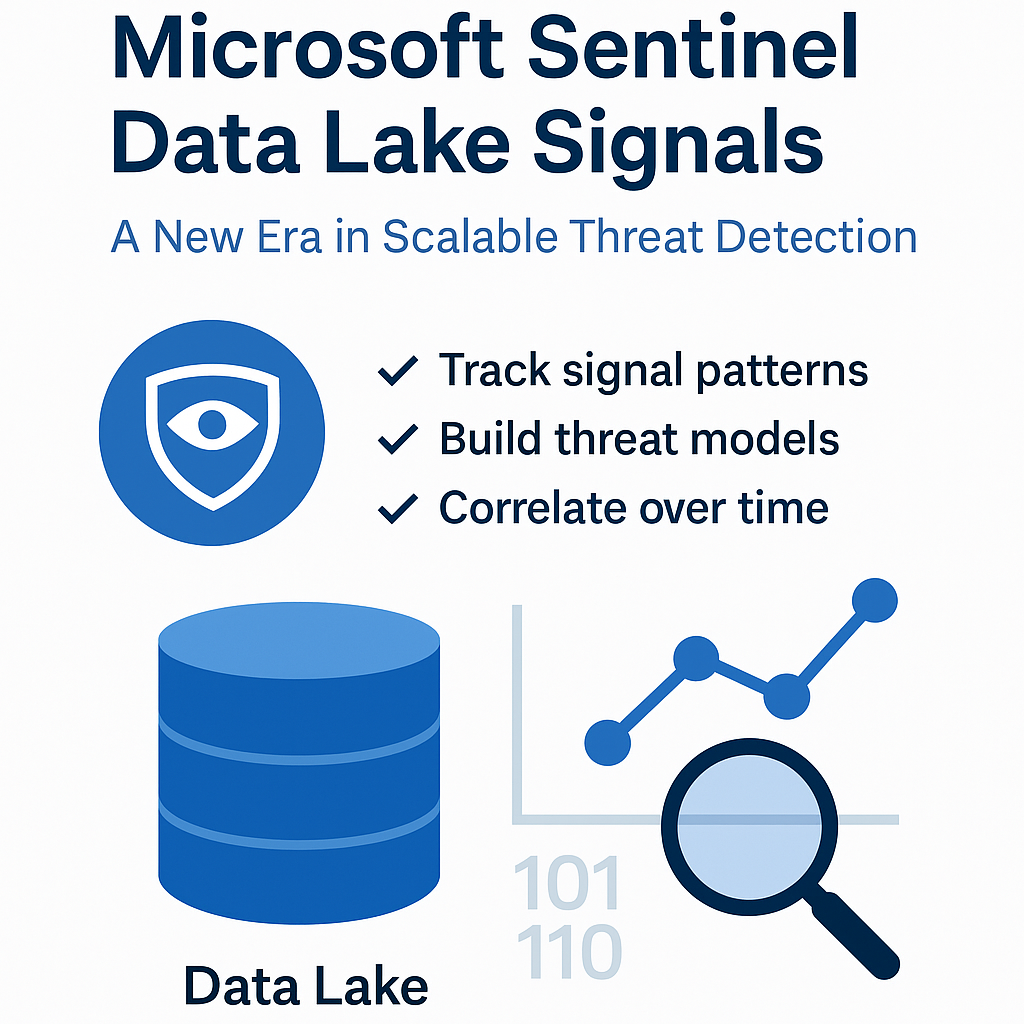
Microsoft Sentinel’s Data Lake Signals allow organisations to persist signals, detections, and threat indicators
directly into their Log Analytics workspace or Azure Data Lake. This enables security teams to retain stateful
risk indicators over time and build layered threat models beyond incident-driven alerts.

🧠 Why Is This a Game-Changer?

Unlike traditional SIEM alerts that react to isolated events, Data Lake Signals empower you to build memory into your
detection logic. You can now track behavior patterns across time, users, and assets—even when no individual alert is triggered.

  • Stateful detection logic
  • Custom signal tracking
  • Signal chaining across entities
  • Efficient suppression and prioritisation

Use Case: Detecting Lateral Movement Attempts

Persist signals like RDP login attempts and correlate them across time windows. Trigger alerts only when patterns emerge,
such as multi-host access across days—ideal for catching low-and-slow threats.

⚙️ How Does It Work?

Custom KQL rules can be written to output to a new SecuritySignal table in Log Analytics.
These persisted signals can then be queried or used in new detection rules that consider historical behavior.

🏗️ Building a Layered Detection Framework

Think of it as combining short-term memory (real-time alerts) with long-term memory (stored signals). For example:

  • Step 1: Suspicious login → Persist signal
  • Step 2: Abnormal data access → Correlate
  • Step 3: Combine signals → Trigger alert

🔐 Final Thoughts

Data Lake Signals represents a shift from reactive security to intelligent detection. It reduces false positives, supports advanced use cases,
and enhances SOC capabilities—especially in hybrid or cloud-native environments.

💬 Let’s Talk

Are you leveraging Data Lake Signals in your Sentinel deployment? Let’s connect and discuss use cases, architecture, or detection strategy ideas.
© 2025 Defensive Security Pty Ltd | Author: Reza Shahsavan


Posted in Uncategorised

How AI is Transforming Cybersecurity: A Look at Microsoft Copilot, Sentinel, SOAR and Defender

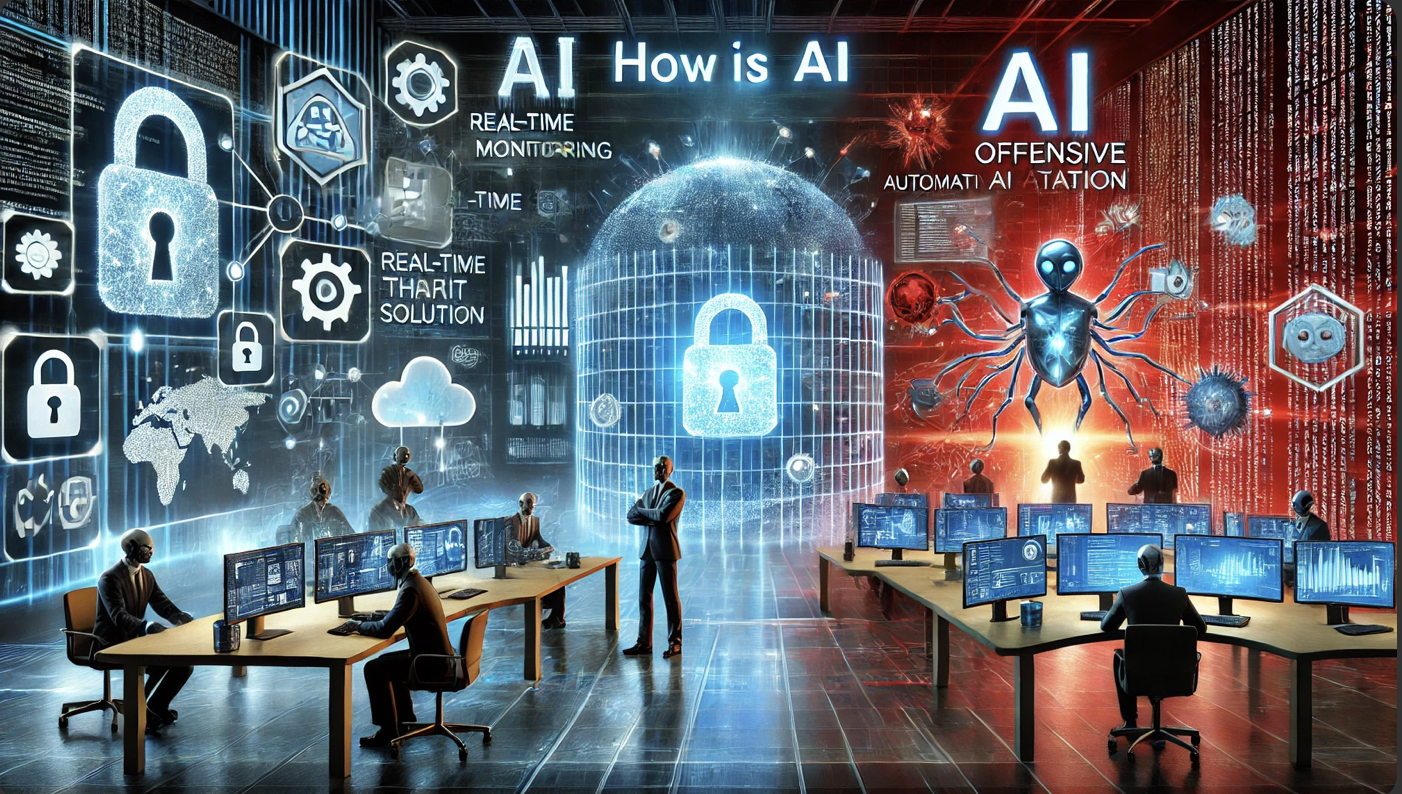
Cyber threats are evolving faster than ever, and traditional security approaches can’t keep up. AI is now playing a critical role in cybersecurity, helping organisations Detect threats faster, Automate responses, and Strengthen overall security.

Microsoft’s AI-powered security tools—Microsoft Copilot for Security, Microsoft Sentinel (SIEM/SOAR), and Microsoft Defender—are leading this transformation.

🔎 Why AI is Essential for Cybersecurity

Cybercrime costs are skyrocketing, with an Australian business falling victim to an attack every 7 minutes (ACSC).

Traditional security tools struggle with:

 Slow detection & response times

 High volume of false alerts

 Lack of scalability

👉 AI solves these challenges by:

 Detecting anomalies in real-time

 Automating security incident response

 Predicting threats before they escalate

Introducing Microsoft Copilot for Security

Microsoft Copilot for Security is an AI-powered assistant that helps security teams:

🔹 Speed up threat investigation by summarising incidents in seconds.

🔹 Generate automated responses to contain and remediate attacks.

🔹 Provide real-time threat insights by pulling from Microsoft Threat Intelligence.

💡 Example:

A security analyst investigating a ransomware attack uses Copilot for Security to:

Get a detailed summary of the attack in real-time.

✅ Auto-generate a response script to isolate affected devices.

Instantly retrieve relevant threat intelligence reports.

🎯 Why it matters:

 Saves hours of manual investigation time

 Enhances decision-making with AI-powered insights

 Bridges the cybersecurity skills gap with intelligent automation

🛡 How Microsoft Uses AI to Strengthen Security

1. AI-Powered Threat Detection with Microsoft Sentinel

🔹 Microsoft Sentinel (SIEM/SOAR) collects and analyses security data from Microsoft 365, Azure, and third-party platforms to detect cyber threats.

🔹 AI-driven Fusion analytics helps eliminate false positives and prioritise real security incidents.

💡 Example: If Sentinel detects an employee logging in from multiple locations within minutes, AI flags this as suspicious, triggers an alert, and initiates an automated investigation.

🎯 Why it matters:

 Early detection of sophisticated attacks

 Automated correlation of threats across systems

 Reduced investigation time for security teams

2. AI-Driven Automated Response with Microsoft Defender & SOAR

Microsoft Defender integrates with SOAR (Security Orchestration, Automation, and Response) to automate incident containment and mitigation.

💡 Example:

A phishing attack targets an Australian organisation. Microsoft Defender for SOAR:

 Automatically quarantines phishing emails.

 Blocks malicious senders organisation wide.

 Isolates compromised user accounts to prevent escalation.

 Time saved? Hours of manual work reduced to seconds!

🎯 Why it matters:

 Reduces incident response time

 Prevents threats from spreading

 Lowers operational costs & workload

🔥 3. AI-Powered Threat Intelligence with Microsoft Threat Protection

Microsoft AI scans global cybersecurity data, dark web forums, and hacker patterns to identify emerging threats.

💡 Example:

An Australian government agency uses Microsoft Threat Intelligence to identify new ransomware trends and update security policies before an attack happens.

🎯 Why it matters:

 Proactively stops new cyber threats

 Strengthens security policies with real-time data

 Provides valuable insights for security analysts

Challenges of AI in Cybersecurity

Despite its powerful benefits, AI in cybersecurity has challenges:

🚨 AI-powered cybercrime – Hackers are now using AI to automate attacks and bypass security.

🚨 False positives – AI can sometimes flag legitimate actions as threats, requiring fine-tuning.

🚨 Data privacy concerns – AI needs large amounts of data for training, raising privacy risks.

🚨 Skills gap – Many organisations lack AI security expertise.

👉 Solution? A balanced approach:

✅ AI-driven security + Human expertise

Continuous AI model training & monitoring

Strict data governance policies

The Future of AI in Cybersecurity

What’s next? AI-driven security will continue to evolve with:

🚀 Autonomous cyber defence: AI will detect & neutralise threats without human intervention.

🚀 AI-powered Zero Trust Security: Continuous identity verification for every user & device.

🚀 Quantum-resistant AI security: Protecting data against future quantum computing threats.

🚀 AI & Blockchain Integration: Strengthening identity verification & fraud detection.

Final Thoughts: AI + Microsoft Security = Future-Proof Cyber Defence

AI is no longer optional—it’s a must-have for modern cybersecurity.

Microsoft’s Copilot for Security, Sentinel, Defender, and SOAR solutions are empowering businesses to:

 Detect & stop cyberattacks faster

 Automate security responses

 Reduce workload on security teams

 If you want a tailored solution to uplift your overall security posture call us today!

Posted in Uncategorised

Microsoft Critical Memory Leak

Microsoft has announced that following installation of the March 2024 security update, released March 12, 2024, Local Security Authority Subsystem Service may experience a memory leak on domain controllers (DCs) which this will cause the domain controllers to freeze or reboot unexpectedly.

To address this issue check the “resolution” for March 2024 on official Microsoft resolved issues page: https://learn.microsoft.com/en-us/windows/release-health/resolved-issues-windows-10-1607


Posted in Uncategorised

5 Tips To Identify A Cyberattack Attempt

Cybercriminals are redoubling their efforts to craft powerful and innovative attacks against organisations of different sizes, and it is difficult to identify. This is why today we are sharing with you 5 tips for recognising a cyberattack and effectively secure your environment.

  1. Unusual failed logon activities specially on high-privileged accounts such as admins.
  2. Sign of lateral movement where a user has logged-in to multiple systems.
  3. Unusual activity on your network specially moving large amount of data outbound.
  4. Mysterious email with suspicious attachment or link
  5. Unusual system performance issue using high cup and ram,
Posted in Uncategorised